GitHub Actions Failure Debugging: Common Root Causes
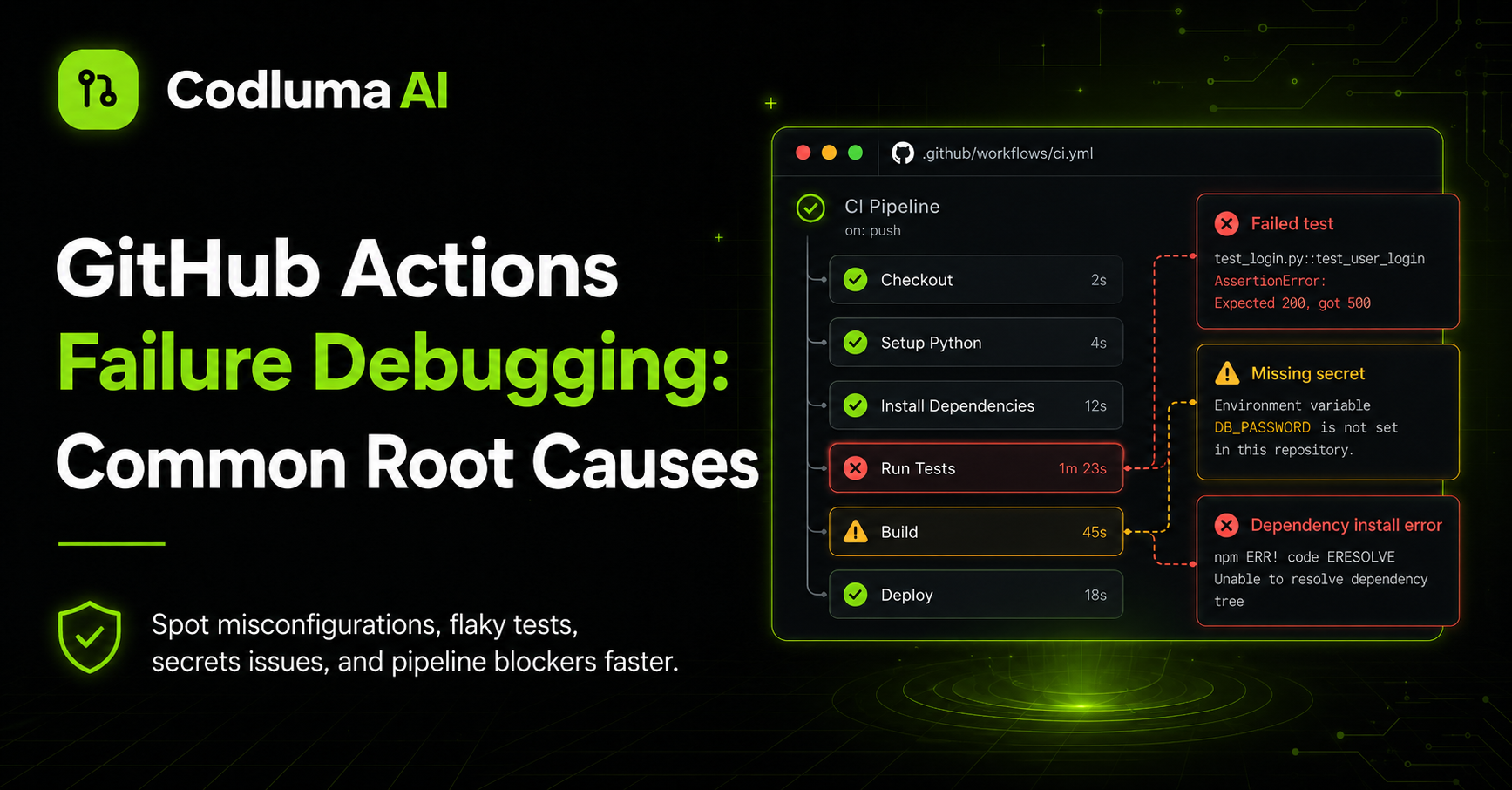
Learn the 5 most common GitHub Actions failures and how AI can diagnose them instantly from logs.
GitHub Actions failures are the #1 blocker to team velocity. Most failures follow predictable patterns that AI can recognize instantly.
Failure 1: Dependency Installation Failed
Usually: npm install, pip install, or cargo build fails because a dependency is yanked or incompatible.
AI detection: Scans for "E404", "401 Unauthorized", "version constraint" error patterns.
Fix: Pin compatible versions, use lock files, or check if the dependency was removed.
Failure 2: Test Timeout
A test hangs indefinitely, causing the job to time out after 360 seconds.
AI detection: Identifies the test that timed out and suggests either making it async or increasing timeout.
Fix: Add timeouts to tests, make slow tests async, or run them in parallel.
Failure 3: Out of Disk Space
Build artifacts or Docker layers consume all 14GB available in the runner.
AI detection: Looks for "No space left on device" and suggests cleanup steps.
Fix: Remove old build artifacts, use smaller base images, or split build into multiple jobs.
Failure 4: Secret or Token Invalid
A deploy or release step fails because a GitHub token, API key, or password expired.
AI detection: Identifies authentication failures and suggests checking secrets.
Fix: Rotate the secret or regenerate the token in GitHub Settings.
Failure 5: Flaky Test
A test fails intermittently due to race conditions, timing, or external service flakiness.
AI detection: If a test passes on retry, marks it as flaky and suggests adding retry logic.
Fix: Make tests deterministic, add retries, or mock external services.
About the Author
Marcus Williams
DevOps Engineer, Codluma
Marcus specializes in CI/CD at scale. 15+ years building deployment pipelines. Speaker at GitHub Universe.